Diagnosing Control Surface Failures Using RCIN and RCOU Logs
Key Takeaway
Control surface failures in ArduPilot show as a divergence between RCIN.C1-C4 (receiver input) and RCOU.C1-C4 (autopilot output). Stuck RCOU with moving RCIN means a servo, ESC, or SERVOn_FUNCTION mapping problem. Frozen RCIN means the receiver lost link — confirm with ERR Subsys=5 ECode=1.
TL;DR: On an ArduPilot vehicle, control surface failures show up as a divergence between RCIN.C1-C4 (what the receiver delivered) and RCOU.C1-C4 (what the autopilot sent to the servo or ESC). If RCIN moved but RCOU stayed flat at 1500µs, you have an output-side problem — servo, ESC, or SERVOn_FUNCTION mapping. If RCIN itself froze at the last frame, the receiver lost link. Comparing the two against each other and against the SERVOn_FUNCTION mapping is the fastest path to a root cause.
What RCIN and RCOU actually log
RCIN  TimeUS  C1  C2  C3  C4  C5  C6  C7  C8  C9  C10  C11  C12  C13  C14
RCOU  TimeUS  C1  C2  C3  C4  C5  C6  C7  C8  C9  C10  C11  C12  C13  C14
Both messages carry PWM values in microseconds, typically 1000–2000µs. RCIN is the receiver's frame output after RC trim and reverse processing; RCOU is what the autopilot wrote to the servo rail after mixing, scaling, and failsafe logic. Channels 15 and 16 live in RCI2 / RCO2 for the 16-channel build. The override_mask in RCI2 tells you which channels were overridden by MAVLink (a GCS or LUA script driving outputs independent of the receiver).
The mapping you need before reading the log
RCOU.C1 is not always "motor 1". The mapping is set by SERVO1_FUNCTION, SERVO2_FUNCTION, etc. Common defaults:
- On a Copter:
SERVO1-4_FUNCTION = 33-36→ motors 1-4 in the firmware's frame order. - On a Plane:
SERVOn_FUNCTION = 4→ aileron,19→ elevator,21→ rudder,70→ throttle. - On a QuadPlane: motors 1-4 are typically wired to SERVO5-8 to keep SERVO1-4 free for forward-flight surfaces.
Verify the mapping for the airframe at hand before reading the log — the comparison only makes sense if you know which physical surface RCOU.Cn drives.
How to spot a stuck output in Mission Planner
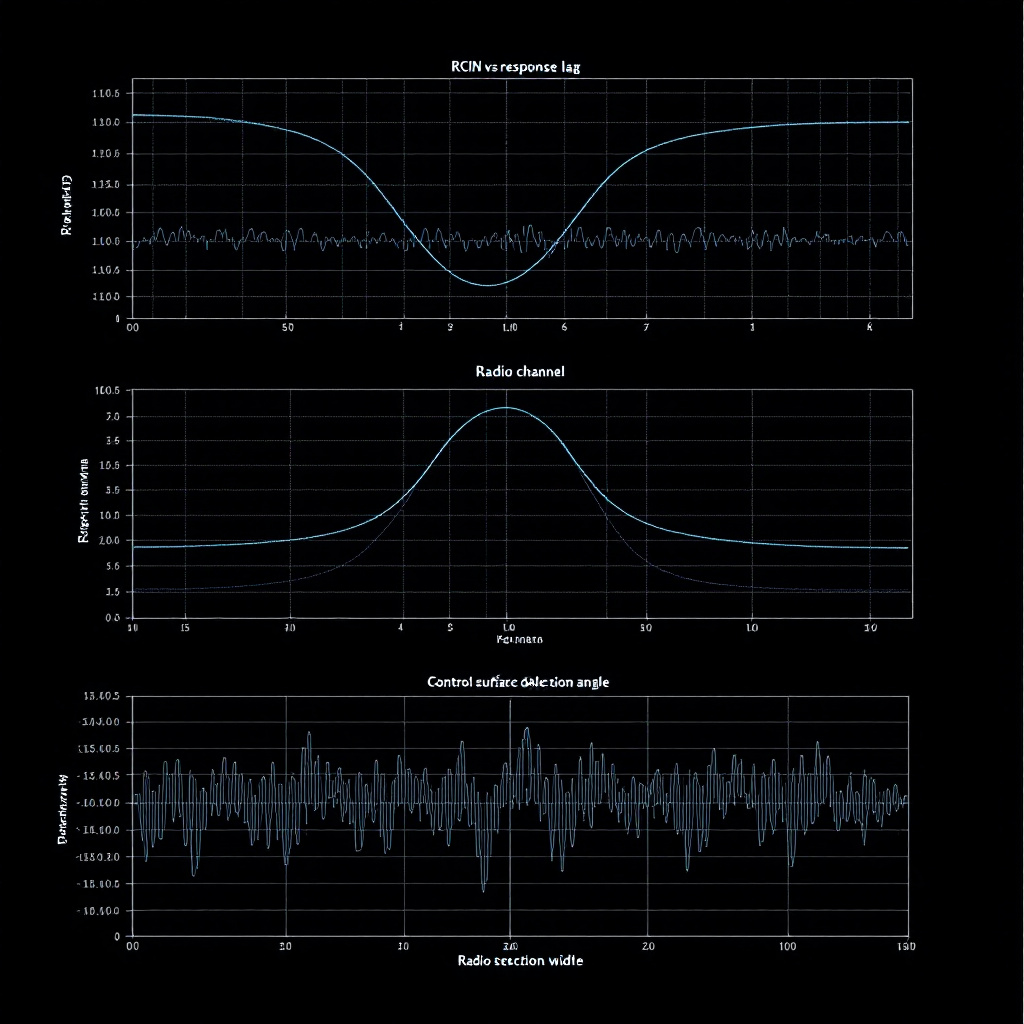
Plot RCIN.C1 and RCOU.C1 on the same axis. Four patterns:
- RCIN moves, RCOU follows: normal. The autopilot is acting on pilot input.
- RCIN moves, RCOU stuck at 1500: output-side problem. Servo seized, ESC not armed, or the
SERVOn_MIN/SERVOn_MAXrange is collapsed to a point. - RCIN frozen, RCOU still moving: the autopilot is in an autonomous mode driving the output itself; the receiver may have lost link. Look at
RCIN.C1for >200 ms of the exact-same PWM value — that's the receiver repeating its last frame. - Both flat at one end-stop: failsafe or kill-switch active. Cross-check against
MODE.Rsnfor the failsafe class.
Confirming in MAVExplorer
MAV> graph RCIN.C1 RCIN.C2 RCIN.C3 RCIN.C4
MAV> graph RCOU.C1 RCOU.C2 RCOU.C3 RCOU.C4
If you suspect failsafe involvement:
MAV> messages ERR
MAV> graph MODE.ModeNum MODE.Rsn
ERR Subsys=5 ECode=1 is the radio failsafe trigger; the autopilot will hold RCOU at its configured failsafe values from that point. MODE.Rsn=3 on the same timestamp is the matching mode change.
Common failure modes — ranked
- Receiver link loss. RCIN frame counter freezes, frames repeat the last value. Modern receivers (CRSF, ELRS) and SBUS with failsafe configured will instead drop to a defined failsafe channel set — check the receiver's documentation for what its failsafe frames look like in PWM.
- Servo stall or dead servo. RCOU moves cleanly but the airframe doesn't respond. Mechanical, not log-visible directly — cross-check by graphing the corresponding
ATT.DesRoll/ATT.Rolldivergence and the rateRATE.Rresponse. If the autopilot commanded a roll and the airframe didn't comply, a servo isn't moving. - Wrong SERVO_FUNCTION mapping. The output you thought was aileron is actually flap. RCOU moves on the wrong physical surface, controllability is gone, blame falls on the wrong subsystem. Verify the mapping matches your physical wiring before chasing other ghosts.
- SBUS or CRSF channel offset. Some receivers report 16 channels but only 8 are wired through; off-by-one channel mapping looks like a control surface that doesn't respond.
- ESC arming desync. On Copter, an ESC that missed the arming sequence stays at minimum throttle while the others spin. RCOU shows correct values but the motor doesn't follow — pair with our ESC desync post.
Setting up failsafe responses you can read in the log
The receiver should be configured to either drop the throttle channel or stop reporting frames entirely on link loss. ArduPilot's FS_THR_VALUE sets the throttle PWM threshold below which the autopilot declares failsafe. FS_THR_ENABLE = 1 triggers RTL on failsafe; = 3 triggers SmartRTL; = 4 triggers Land. The ERR Subsys=5 line confirms the failsafe path actually executed.
When this isn't an RCIN/RCOU problem
- Bad receiver protocol. If the autopilot reports zero RC input at boot but the receiver is healthy,
RC_PROTOCOLSmay be set wrong. The fix is in parameters, not the channel map. - SBUS inverted polarity. Some FCs need SBUS inverted; others auto-detect. A wholly-zero RCIN trace at startup, fixing itself if you swap the input port, points here.
When LogHat helps — and when it doesn't
We flag every RCIN/RCOU divergence above a configurable threshold and correlate it with attitude rate response so you can see whether a missing control input actually mattered for the flight. What we can't tell you is which servo cable is loose — that requires you to wiggle them with the airframe on a stand.
About the author
LogHat Engineering Team
The LogHat engineering team — drone-systems engineers who build and operate the LogHat flight analytics platform. Posts in this byline are written and reviewed by team members working on the parsers, analysis engine, and Vector AI that the post describes.
Tagged
Try LogHat
Analyze your flight logs in seconds
Upload a .bin, .tlog, .log, or .ulg file. Get AI crash analysis, 3D replay, and forensic PDF reports instantly.
Try LogHat Free